Hadavar is a mail client that runs on your computer. Your mail, its index, your labels, your streams and your settings are stored on that machine. We do not have a copy and cannot read them.
What stays on your device
The full-text index of your mailbox, thread metadata, your stream assignments, snoozes, labels and the notes you write about yourself for sorting. It lives in a folder under Application Support, and your Google token lives in your login Keychain — so dragging the app to the Trash leaves both behind. “Disconnect this account” is what removes them: it signs out, deletes the token, and wipes the index. Nothing is deleted from Gmail.
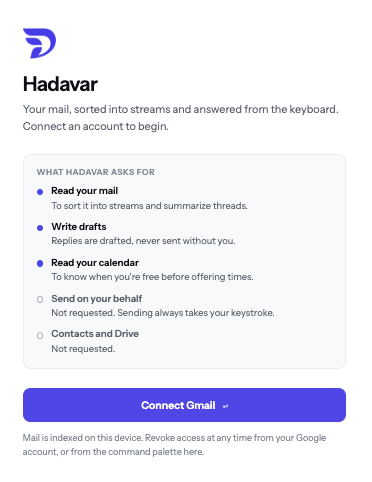
What Google is asked for
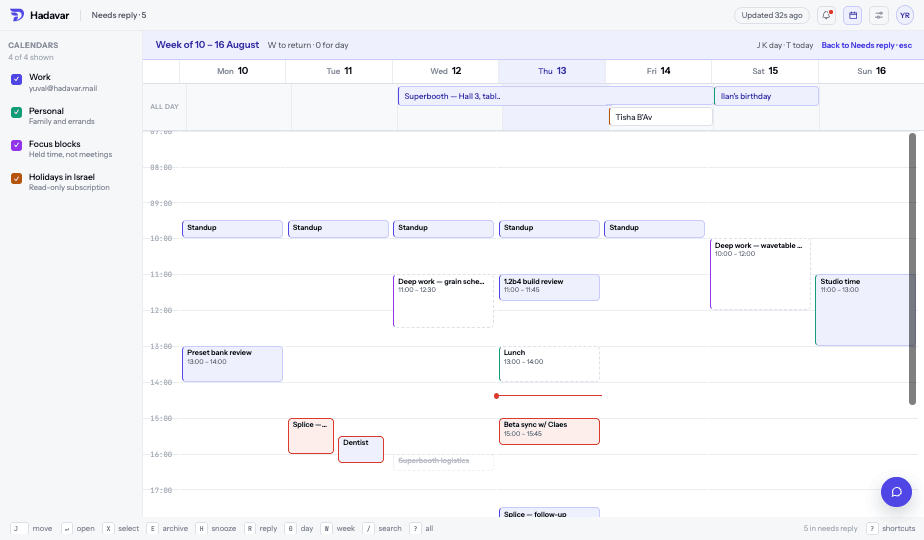
Six permissions, and each one is something the app does: read and organise your mail, send mail, read and write calendar events, list your calendars, read and set your Gmail auto-reply, read your signature, and see your own address. Sending and booking are requested because sending and booking are features — they take a keystroke you press, and sit in an undo window before they leave. The settings permission is Gmail’s basic one: it reaches your auto-reply, signature, language and — though the app never reads or writes one — your filters. The sensitive settings are the ones that can quietly divert mail: forwarding, delegation and send-as verification. Those are a separate permission and are not requested, so revoking access stops everything and nothing is left behind still forwarding. Contacts and Drive are not requested either. You can revoke all of it from your Google account at any time.
Google user data
Hadavar’s use and transfer to any other app of information received from Google APIs will adhere to the Google API Services User Data Policy, including the Limited Use requirements. Your Gmail and Calendar data is used only to provide the features described on this page. It is not sold, not used for advertising, and not used to develop, improve or train AI models — by Hadavar, or by anyone Hadavar passes it to on your behalf beyond what your own AI subscription’s terms allow.
When text leaves the machine
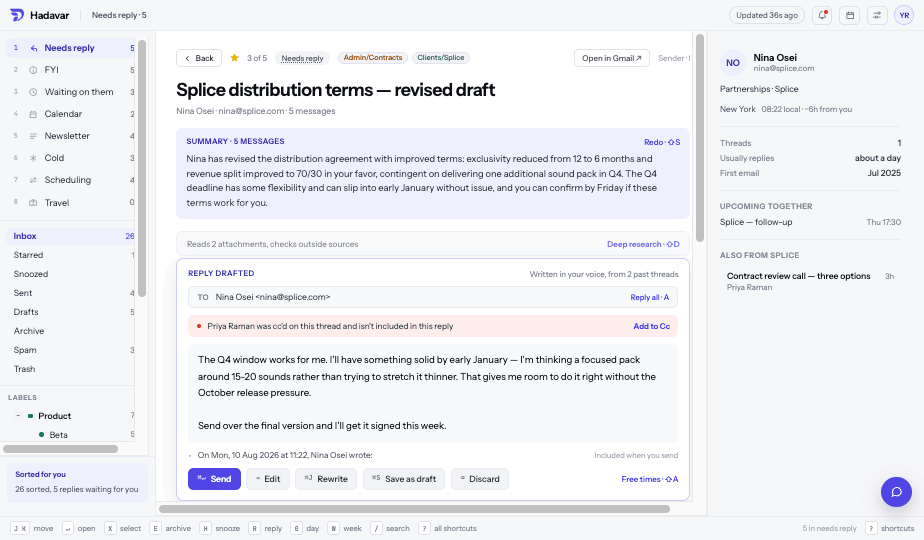
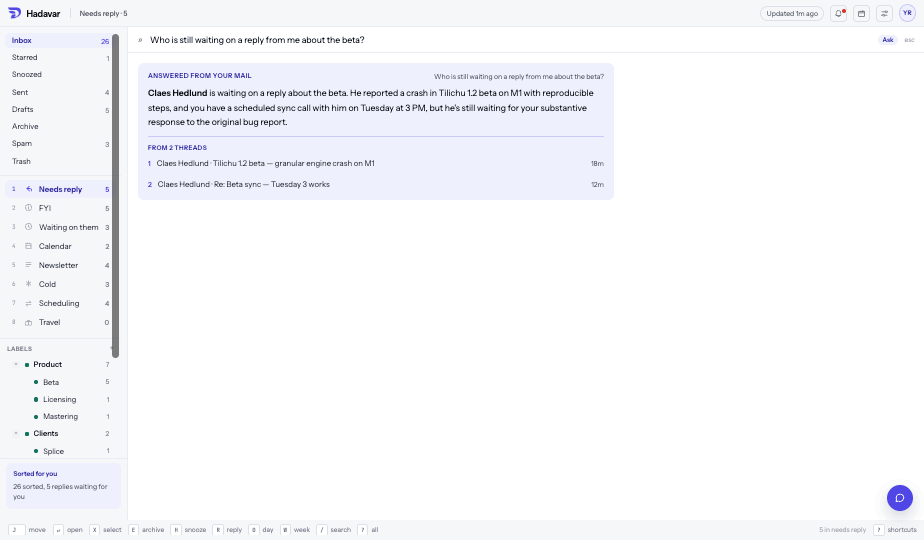
Sorting, summaries, drafts, Ask and deep research send the text of the threads involved — and, for deep research, the attachments and the pages they link to — to the AI provider you pick in Settings: Anthropic through the Claude tool, or OpenAI through the Codex tool. Either one is installed on your own machine and runs under your own subscription, so what happens to the text there is governed by the terms of that subscription rather than by anything we promise here. Sorting runs as mail arrives; everything else waits for a keystroke. By default, link payloads and hidden characters are stripped out before anything is sent. Both the stripping and the sending are switches in Settings, and turning sending off leaves a working mail client.
How your data is protected
Everything travels to Google over HTTPS, and nothing travels to us — there is no Hadavar server, so there is no second copy to breach. Your Google token is kept in the operating system’s own credential store — the login Keychain on macOS, the Secret Service on Linux, Credential Manager on Windows — never in a file and never in the database. The mail index itself is a SQLite database in your user’s Application Support folder, readable only by your own account on that machine and covered by whatever full-disk encryption the operating system provides; we do not add a second layer on top, and we do not hold a key that could unlock it. When text is sent to an AI provider you have enabled, the tool runs on your own machine with every capability except reading the prompt and writing an answer switched off — no shell, no filesystem, no network — and the message text is fenced so that instructions inside an email cannot act as instructions to the tool. Only the Gmail settings that cannot divert your mail are requested; forwarding, delegation and send-as are a separate permission the app never asks for.
Retention and deletion
Google data is kept on your device for as long as the account is connected, and nowhere else. Mail, its index, cached AI output and cached inline images (the image cache is capped at 256 MB and evicts least-recently-opened first) all live in that one folder. Three things delete it. Disconnect this account, in Settings, deletes the token from the credential store and wipes every table and cached file that belonged to the account; nothing is changed in Gmail. Delete the local index removes the mail and rebuilds it from Google while keeping you signed in. Deleting the app’s folder under Application Support and its Keychain item does the same by hand. Revoking Hadavar at myaccount.google.com/permissions stops all access at once; the copy already on your device stays until you disconnect or delete it. Because we hold no copy, there is nothing for us to delete on our side and no retention period to wait out; text you have sent to an AI provider is retained under that provider’s terms, not ours. Write to support@hadavarmail.com if you want confirmation of any of this.
What we collect
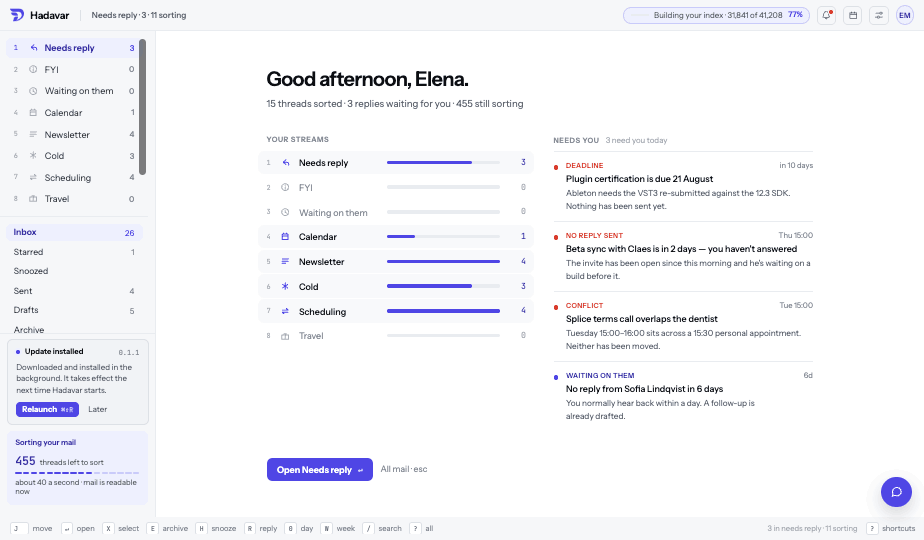
Nothing. There is no Hadavar account and no Hadavar server. The app talks to Google; to your AI provider when you have that switched on; to downloads.hadavarmail.com, ninety seconds after launch and every six hours, to ask whether a newer version exists — a request that carries nothing about you; and to a sender’s website only when you click its unsubscribe link, choose to show a message’s remote images, or ask for deep research. When an unsubscribe header names an email address rather than a link, the app sends that one email from your account instead. There is no analytics of any kind, and no crash reporting — which also means we do not know when it breaks, so please write.
Questions go to support@hadavarmail.com.
 Hadavar